
- Measure below the desktop and check for braces or moving parts.
- Check installation requirements and suitable surface materials.
- Leave cables enough slack for normal device movement.
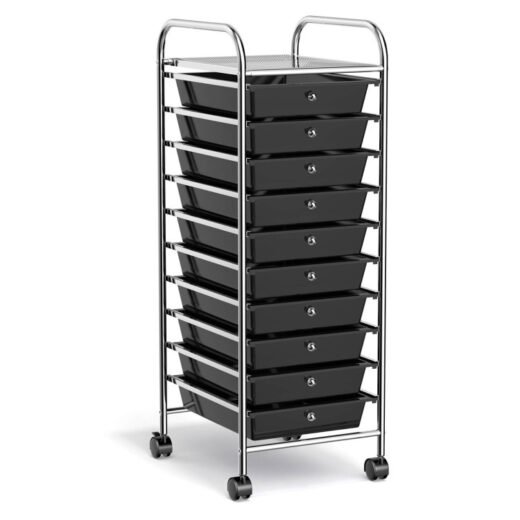
A clearer desk begins with a place for the small things. Keep cables within reach and move everyday supplies into a useful storage spot.
Explore an under-desk drawer and adhesive cable clips. Check the underside of your desk, mounting requirements and surface suitability before choosing your setup.

Office Organization
$141.99
View details
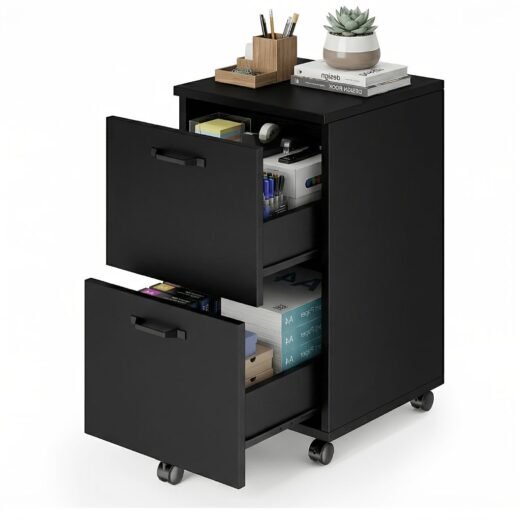


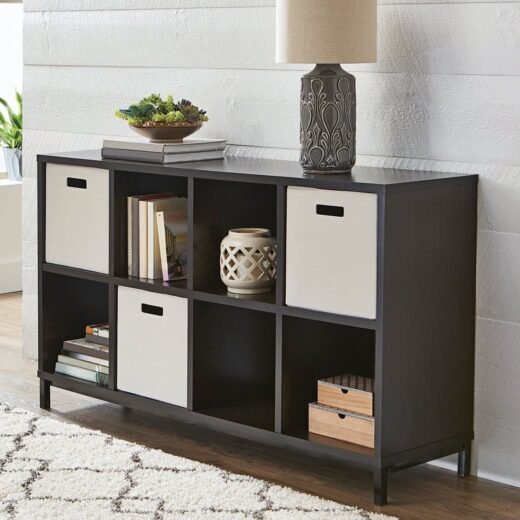
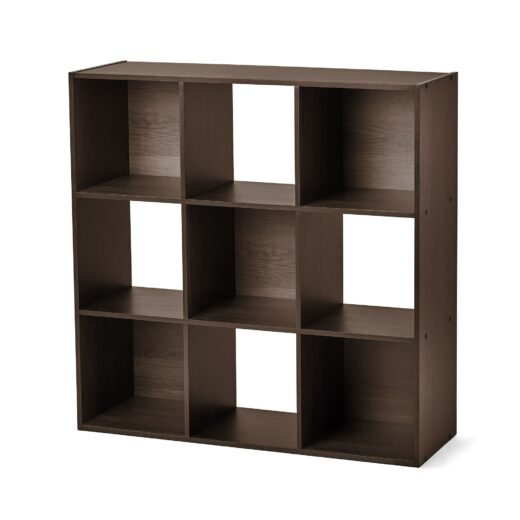

Measure the available underside area and leg clearance, and check for support beams or moving mechanisms. Follow the product mounting instructions and use a desk surface suitable for the required hardware.
No surface should be assumed suitable without checking. Follow the product instructions for surface preparation and compatibility. Use extra care on delicate finishes or surfaces that may be damaged during removal.
They give individual cables a consistent route or resting place. Position them so plugs remain easy to reach and cables are not pulled tight when a device moves.